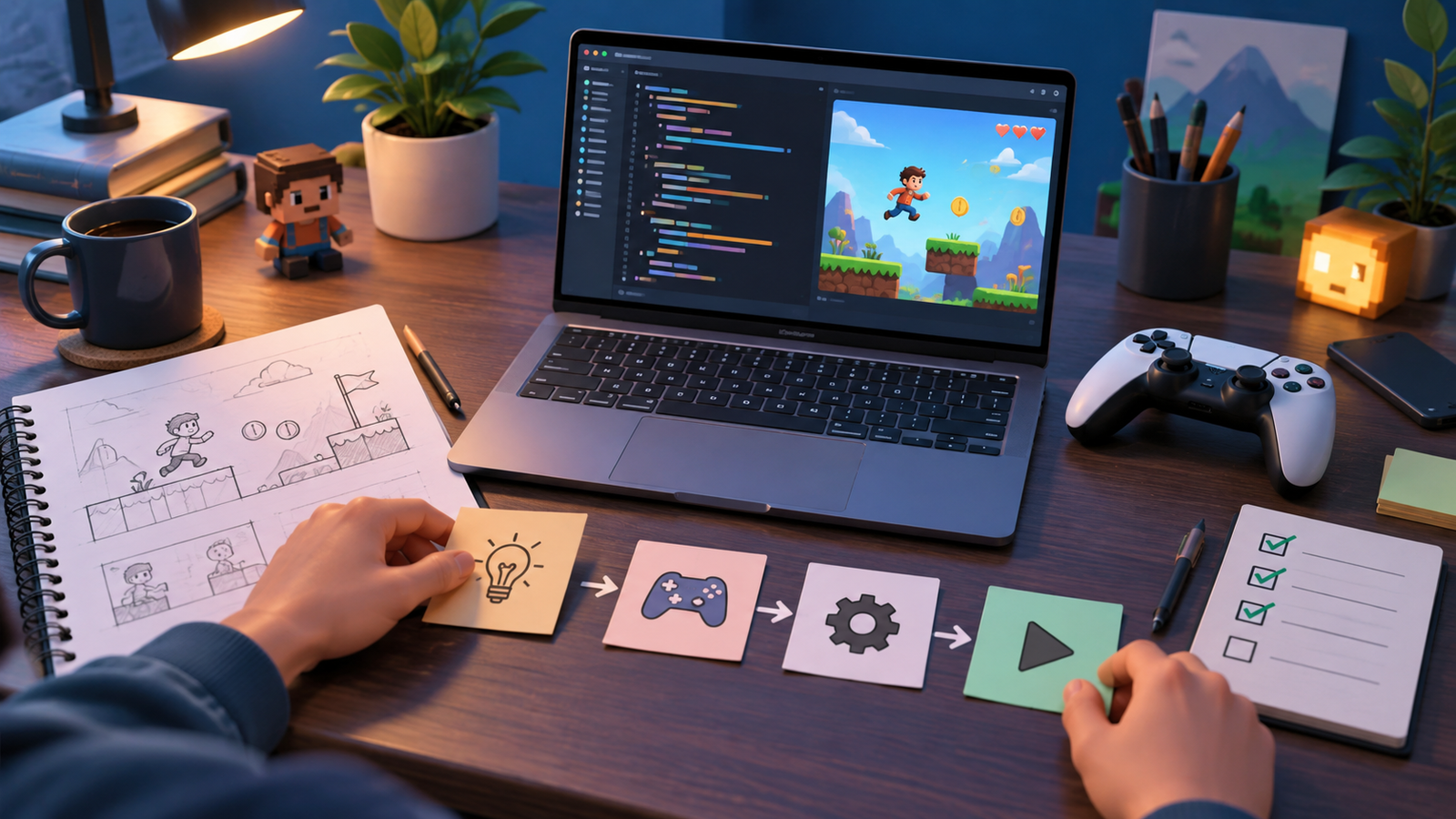
If you have ever wanted to build a game but felt blocked by programming, here is the great news: learning how to make a game without coding is completely realistic in 2026. Modern engines and dedicated no-code tools let you design levels, define rules, and publish playable games using visual systems instead of typed code. Whether you are a designer, an artist, a teacher, or simply someone with a great idea, you can create a real game without writing a single line of traditional programming.
No-code development does not mean “no logic.” You still design how your game works, but you express that logic by connecting visual blocks, dragging behaviors onto objects, and configuring rules through menus. This guide walks you through the tools, the process, and the honest trade-offs so you can start building today.
What “No-Code” Really Means
No-code and low-code game development replaces text-based scripting with visual systems. Instead of typing a command to make a character jump, you might drag a “jump” behavior onto your character and set the height in a menu. Instead of writing an if-statement, you connect nodes that represent conditions and actions. The thinking is the same, but the interface is friendlier. If you are curious how this compares with the traditional route, our beginner overview on how to make a game in 2026 covers both paths side by side.
The Best No-Code and Visual Scripting Tools
Several excellent tools let you build games without conventional coding. Here are the most reliable, legitimate options.
Unreal Engine Blueprints
Unreal Engine includes Blueprints, a powerful visual scripting system. You build game logic by connecting nodes on a graph, and it is capable enough to create complete, polished games without writing C++. Blueprints are ideal if you want professional-grade 3D visuals without traditional programming.
GameMaker Drag-and-Drop
GameMaker offers a drag-and-drop action system alongside its scripting language. Beginners can assemble 2D game logic visually, making it a favorite for newcomers focused on 2D projects and quick prototypes.
Godot Visual Scripting and Behaviors
Godot is free and open source, and while it is best known for GDScript, it supports node-based design and community add-ons that reduce how much code you need to write. Its clean scene system is beginner-friendly even before you touch scripting.
Dedicated No-Code Platforms
A number of dedicated tools focus entirely on visual, event-based game creation. These platforms use event sheets or block systems where you define “when this happens, do that,” letting you build complete 2D games and browser games with no typed code at all.
Step-by-Step: Making a Game Without Code
- Pick a small idea. A simple platformer, a puzzle, or an arcade game is perfect. Keep your first project tiny and finishable.
- Choose a no-code tool. Use Blueprints for 3D, GameMaker’s drag-and-drop for 2D, or a dedicated event-based platform for browser games.
- Set up your scene. Create your level or screen and place your objects, such as a player, obstacles, and goals.
- Add behaviors visually. Attach movement, collisions, and interactions using the tool’s visual system. Test as you go.
- Define your rules. Use event blocks or nodes to set win conditions, scoring, and fail states.
- Add art and sound. Drop in sprites, backgrounds, and audio. Free asset libraries make this easy and legal.
- Playtest and refine. Share your game with a friend, watch how they play, and adjust the difficulty and clarity.
- Export and publish. Most tools can export a browser build or an app you can share with the world.
Comparing No-Code Tools
| Tool | Visual System | Best For | Cost |
|---|---|---|---|
| Unreal Blueprints | Node-based graph | High-quality 3D games | Free, royalty on high revenue |
| GameMaker | Drag-and-drop actions | 2D games and prototypes | Free tier, paid plans |
| Godot | Nodes and add-ons | Free 2D and 3D projects | Free and open source |
| Event-based platforms | Event sheets and blocks | Browser and mobile 2D games | Free tiers available |
The Honest Trade-Offs
No-code tools are powerful, but it helps to understand their limits so you set realistic expectations.
- Great for many games: platformers, puzzles, arcade games, visual novels, and browser games are all very achievable without code.
- Some limits at scale: extremely complex systems or highly optimized performance may eventually push you toward scripting.
- A natural bridge to coding: visual systems teach you programming logic, so if you ever want to learn a language, you will already understand the concepts.
If you find yourself wanting more control down the road, our guide to the best programming languages for game development shows how easy languages like GDScript build directly on the logic you already learned. Choosing the right tool also pairs naturally with our roundup of the best game engines for 2026.
Free Assets and Learning Resources
You do not need to create every sprite or sound yourself. Legitimate free asset libraries offer art, music, and effects you can use in your projects, and official tool documentation includes step-by-step tutorials. Alternate between following a tutorial and building your own small features so the knowledge sticks. If you want to see what modern released games look like for inspiration, browse our list of the best PC games in 2026 to study genres and mechanics you might recreate.
Frequently Asked Questions
Can you really make a good game without coding?
Yes. Many polished, successful games have been built primarily with visual scripting systems like Unreal Blueprints or event-based tools. For 2D games, puzzles, and browser games especially, no-code development can produce complete, professional-feeling results.
Is no-code game development free?
Often, yes. Godot is completely free and open source, Unreal Engine and GameMaker offer free tiers, and several dedicated no-code platforms have free options. Combined with free asset libraries, you can build and publish a game without spending money.
What kinds of games can I make without code?
Platformers, puzzle games, arcade games, visual novels, top-down adventures, and browser games are all very achievable. As your ambitions grow toward complex simulations or highly optimized 3D, you may eventually add some scripting, but you can go remarkably far with visual tools alone.
Will no-code tools help me learn to code later?
Absolutely. Visual scripting teaches the same logic as programming: conditions, events, variables, and loops. When you decide to learn a language such as GDScript or C#, you will already understand how game logic fits together, making the transition much smoother.
Which no-code tool should a beginner start with?
For 2D games, GameMaker’s drag-and-drop system or a dedicated event-based platform is a friendly start. For 3D, Unreal Engine’s Blueprints are powerful and beginner-accessible. Godot is a great free choice for both, especially if you may want to add light scripting later.
Final Thoughts
Understanding how to make a game without coding opens game development to everyone, not just programmers. With visual scripting systems like Blueprints, drag-and-drop tools, and event-based platforms, you can design, build, and publish real games while focusing on creativity and design. Start with a small idea, pick a tool that fits your goals, and finish something you can share. For more tutorials, tool comparisons, and gaming guides, keep exploring ProgramGeeks Game and begin building your first no-code game today.