Figuring out how to start game streaming in 2026 is far simpler than it looks from the outside. If you have wondered how to start game streaming without spending a fortune on gear, this beginner’s guide covers everything: the software, the settings, the equipment that actually matters, and the habits that help a channel grow. You can be live to a real audience within an hour using tools you already own plus one free program.
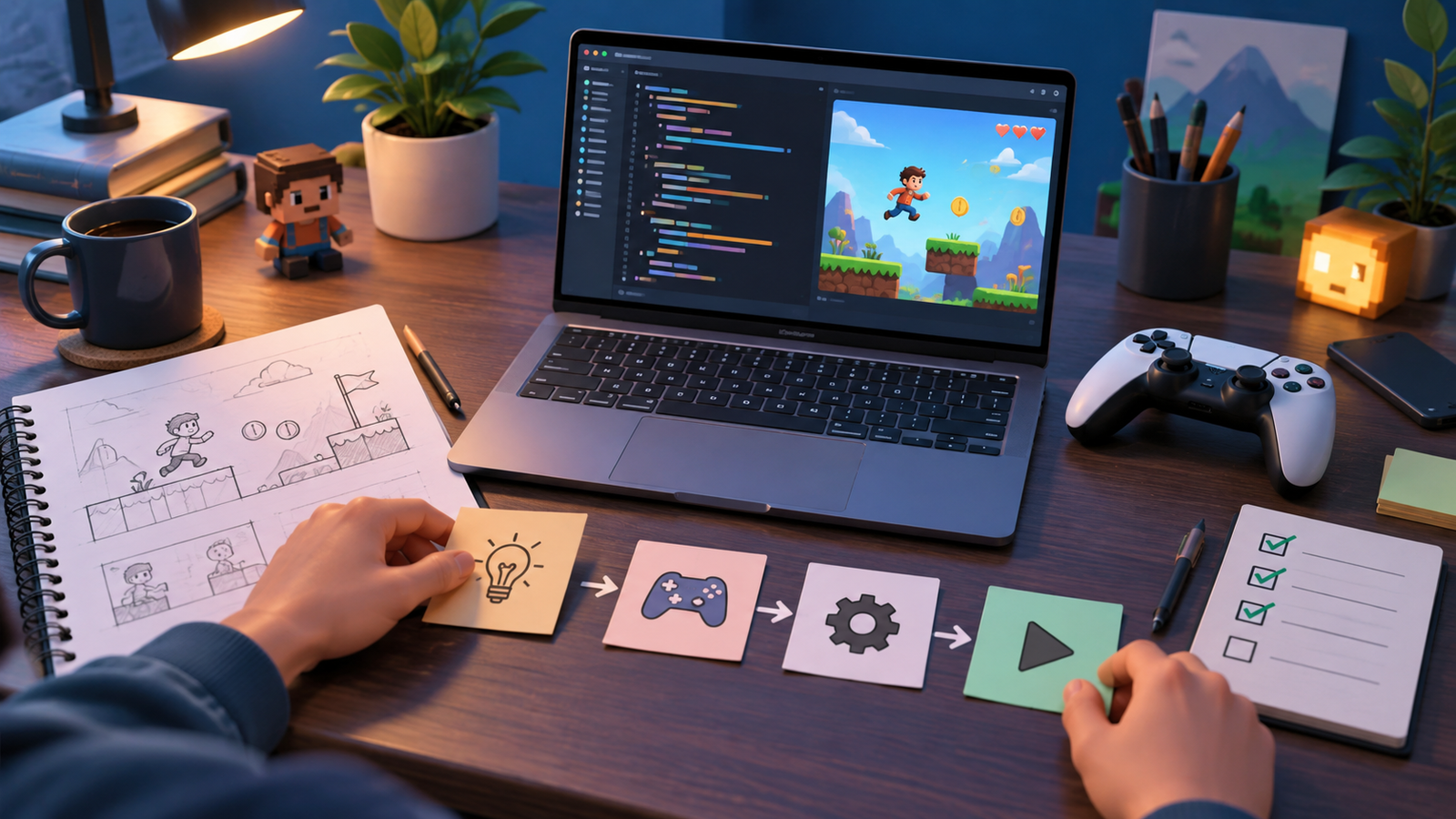
Streaming is really just three things working together: a game to play, software to capture and send it, and a platform to broadcast on. Once you understand how those pieces connect, the rest is refinement. Let’s build your first setup from the ground up.
Choose Your Streaming Platform
Your first decision is where you will broadcast. Each major platform has strengths, and you can always move later, so do not overthink it.
| Platform | Best For | Notes |
|---|---|---|
| Twitch | Dedicated live gaming audience | Strong community tools and discoverability for gamers |
| YouTube Live | Search reach and VOD replay value | Great if you also want your streams saved as videos |
| Kick and others | Newer, growing communities | Smaller but can mean less competition |
Pick the one where the creators you admire hang out. Create your account, verify your email, and enable two-factor authentication to keep your channel secure from day one.
Install and Set Up Free Streaming Software
You do not need paid software to produce a great-looking stream. Open Broadcaster Software (OBS Studio) is free, open source, and used by professionals and beginners alike. Some platforms also offer their own free studio apps with a friendlier interface for first-timers.
Basic OBS Setup Steps
- Download OBS Studio from its official website and run the built-in auto-configuration wizard.
- Link the software to your platform using a stream key from your channel dashboard, or sign in directly if the app supports it.
- Add a Game Capture or Display Capture source so viewers can see your gameplay.
- Add a Video Capture Device source if you want a webcam, and an Audio Input source for your microphone.
- Do a short test recording locally before going live to confirm everything looks and sounds right.
Dial In Your Stream Settings
The right settings depend on your internet upload speed and your PC’s power. The goal is a stable stream, not the absolute highest quality your connection can barely manage. A stream that never buffers beats a sharper one that constantly stutters.
- Resolution and frame rate – 1080p at 60fps looks great, but 720p at 60fps streams smoothly on slower connections.
- Bitrate – set it based on your upload speed with headroom to spare; a wired connection is far more reliable than Wi-Fi.
- Encoder – use your GPU’s hardware encoder if available, so streaming does not steal performance from your game.
Because streaming and gaming run at the same time, a well-tuned system matters. Our guide on how to optimize your PC for gaming explains encoder choices and background cleanup that directly improve stream stability.
Get the Right Equipment (Without Overspending)
You do not need a studio to start. Begin with what you have and upgrade only when you know you enjoy streaming.
Starter Gear Priorities
- A decent microphone – clear audio matters more than video quality; viewers forgive a blurry cam but leave over bad sound. A budget USB mic is a huge upgrade over headset mics.
- A reliable internet connection – wired ethernet with solid upload speed is the backbone of a watchable stream.
- A webcam (optional) – a face cam helps viewers connect with you, but plenty of successful streamers start without one.
- Basic lighting – even a simple desk lamp aimed at your face dramatically improves webcam quality.
You can stream from a capable laptop too. If you are shopping for portable power, our roundup of the best gaming laptops of 2026 highlights models with the CPU and GPU headroom that streaming demands.
Design a Simple, Clean Layout
A tidy on-screen layout makes even a brand-new channel look professional. Add a webcam frame, a simple overlay, and clear labels for alerts. Free overlay templates are widely available, so you do not need graphic design skills. Keep it uncluttered – viewers came for the game, not a wall of moving graphics.
Interactive Elements
- On-screen alerts for new followers keep energy up and reward your community.
- A chat overlay or second monitor lets you read and respond to messages live.
- Clear scene transitions between “starting soon,” “live,” and “be right back” screens look polished and organized.
Go Live and Build the Habit
Your first stream will feel awkward, and that is completely normal for everyone. Talk through what you are doing, greet people who arrive, and read the chat aloud. The single biggest factor in growth is consistency: pick a schedule you can realistically keep and stick to it, so returning viewers know when to find you.
Content variety helps too. Streaming a challenge run or a race can be genuinely entertaining to watch. If that appeals to you, learn how to speedrun games and consider adding timed runs to your rotation. Building the PC that powers your channel is also a popular stream topic, and our guide on how to build a gaming PC can help you plan an upgrade on air.
Frequently Asked Questions
Do I need an expensive PC to start streaming?
No. A mid-range gaming PC with a hardware encoder can stream comfortably. Start at 720p or 1080p, use your GPU encoder, and upgrade only if you find performance limiting.
What internet speed do I need to stream?
Upload speed is what matters, not download. A stable, wired connection with modest upload headroom handles 720p or 1080p streaming well. Consistency beats raw speed, so test your connection before going live.
Is streaming software really free?
Yes. OBS Studio is completely free and open source, and several platforms offer their own free broadcast apps. You can produce a professional-looking stream without paying for any software.
Should I use a webcam right away?
It is optional. A face cam helps viewers bond with you, but clear audio and engaging commentary matter more. Many creators grow large channels with no camera at all, so start with whatever you are comfortable with.
How do I get my first viewers?
Stream consistently, engage with everyone who shows up, and share clips on social media. Interacting with other small streamers and communities in your favorite games also helps people discover your channel.
Final Thoughts
Starting a game streaming channel in 2026 comes down to a free piece of software, a clear microphone, and the willingness to show up regularly. Do not wait for perfect gear – the best time to start is now, and your setup will improve as you learn. Focus on good audio, a stable connection, and genuine interaction, and your community will grow naturally. For more practical guides, hardware picks, and streaming tips, keep exploring ProgramGeeks Game and go live with confidence.