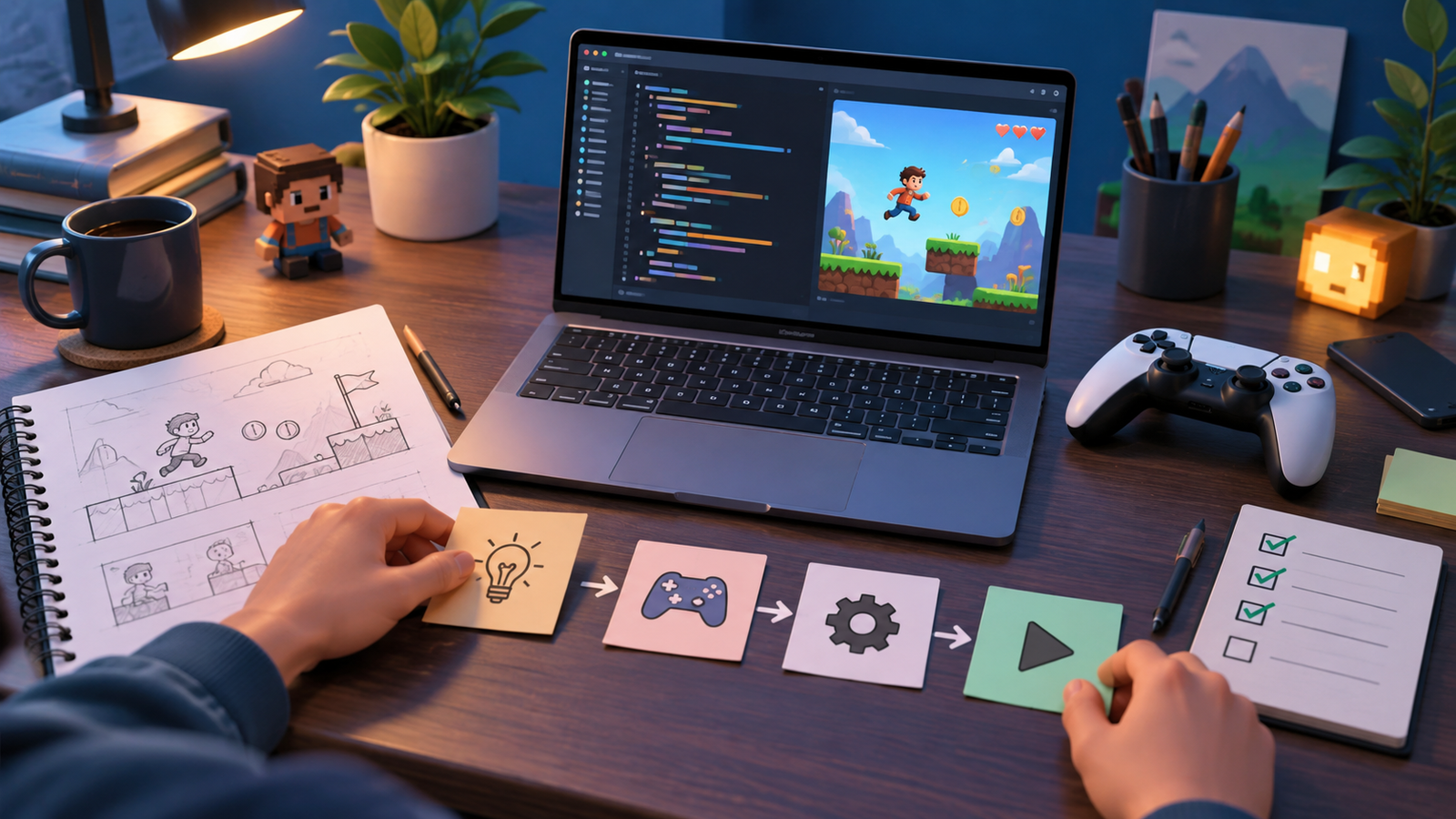
Wondering how to speedrun games in 2026? This beginner’s guide explains exactly how to speedrun games from your very first attempt: choosing a game, learning the route, setting up a legitimate timer, and submitting a run you can be proud of. Speedrunning is the art of finishing a game as fast as possible, and it turns titles you have already beaten into fresh, deeply rewarding challenges built on skill, planning, and practice.
The best part is that speedrunning costs nothing to start. You need a game you enjoy, free timing software, and curiosity. Whether you dream of world records or simply want to beat your own personal best, the path in is welcoming and well-documented by a friendly community.
Understand the Basics of Speedrunning
Before your first run, it helps to learn the vocabulary and categories the community uses. Speedruns are organized into categories that define the rules, so runners compete on a fair, level playing field.
| Category | What It Means |
|---|---|
| Any% | Reach the end as fast as possible, by any means allowed |
| 100% | Complete everything the category defines as full completion |
| Glitchless | No exploits or glitches permitted; pure execution |
| Individual Level (IL) | Race a single level rather than the whole game |
Most beginners start with Any% or an Individual Level because the routes are shorter and easier to learn. You can always branch into more demanding categories as your skills grow.
Step 1: Pick the Right Game to Start
The ideal first speed game is one you already love and know reasonably well. Familiarity means you spend your energy learning optimizations rather than the basics. Short games are especially beginner-friendly because you can complete many practice runs in a single sitting, which accelerates learning.
- Choose a game with an active community so guides and help are easy to find.
- Prefer a shorter run length at first, ideally under an hour.
- Make sure you genuinely enjoy replaying it, because you will play it many times.
A smooth, responsive setup makes practice more pleasant. If your machine stutters, our guide on how to optimize your PC for gaming helps you get consistent frame rates and lower input lag, both of which matter for precise, repeatable runs.
Step 2: Learn the Route
A speedrun route is the planned sequence of actions that gets you to the end fastest. You do not need to invent one – dedicated communities have already mapped optimal paths, tricks, and strategies for popular games.
- Watch a current top run of your chosen game and category, ideally one with commentary explaining the decisions.
- Read the community’s written guide or route notes if one exists.
- Break the run into small segments and learn one segment at a time rather than the whole thing at once.
- Practice tricky sections in isolation until they feel natural before stringing them together.
Do not try to master everything on day one. Learning a route is a gradual process, and small, steady improvements add up quickly.
Step 3: Set Up a Legitimate Timer
Accurate, honest timing is the heart of speedrunning. The community uses free, trusted timer software such as LiveSplit that tracks your overall time and your time at each “split,” or checkpoint. This lets you see exactly where you are gaining or losing time compared with your best run.
- Download timer software only from its official source.
- Set up splits that match the major milestones in your route.
- Enable a personal-best comparison so you can chase your own record run.
Splits are motivating because they turn one long attempt into a series of small races against yourself. Watching a split come in ahead of your best is one of the great thrills of the hobby.
Step 4: Practice Smart, Not Just Hard
Improvement comes from focused, deliberate practice rather than mindless repetition. When a run ends, review what cost you time and target that specific weakness in your next session.
- Use practice tools or save states, where allowed, to drill difficult tricks repeatedly.
- Keep sessions enjoyable – frustration leads to sloppy inputs and burnout.
- Track your times so you can see real progress over days and weeks.
- Take breaks; fresh reflexes and a clear head produce far better runs.
Step 5: Record and Submit Your Run
When you set a time you are proud of, you can submit it to a community leaderboard. Most leaderboards require video proof so times can be verified fairly. Recording your runs is straightforward with free capture software, and it doubles as a way to review your own play.
Many runners broadcast their attempts live, which builds community and accountability. If that appeals to you, our guide on how to start game streaming walks through a beginner-friendly broadcast setup. Reading the specific rules of your chosen leaderboard before submitting saves you from a rejected run over a technicality.
Choosing Games That Run Well
You do not need a powerful rig to speedrun. Many beloved speed games are older or lightweight titles that run smoothly on modest hardware. If you are on a budget machine, our list of the best PC games for low-end systems in 2026 is packed with titles that have thriving speedrunning scenes and run great on almost anything.
Frequently Asked Questions
Do I need special equipment to speedrun?
No. You can start with your existing PC or console, free timer software, and free capture tools. As you get serious, a low-latency display and a reliable controller or keyboard help, but nothing is required to begin.
Are glitches considered cheating in speedruns?
It depends on the category. In Any% runs, in-game glitches are usually allowed and celebrated as clever discoveries. Glitchless categories exist for runners who prefer pure execution. External cheats and modified games are never allowed.
How long does it take to get good at speedrunning?
You will see quick early gains as you learn the route, then slower, more rewarding improvements as you polish execution. Every runner improves at their own pace, so focus on beating your own previous best rather than comparing to world records.
Which timer software should I use?
LiveSplit is the most popular free timer and works for most games and categories. Download it only from its official site, set up your splits, and enable a personal-best comparison to track progress.
Can I speedrun on a low-end PC?
Absolutely. Many of the most popular speed games are lightweight and run beautifully on older or budget hardware, making this one of the most accessible ways to enjoy competitive gaming.
Final Thoughts
Speedrunning transforms familiar games into an endlessly rewarding pursuit of mastery, all with free tools and a supportive community behind you. Pick a game you love, learn its route piece by piece, time your runs honestly, and celebrate every personal best along the way. When you are ready to level up your gear for even smoother runs, take a look at how to build a gaming PC tuned for responsiveness. For more guides, tips, and geek-friendly gaming content, keep exploring ProgramGeeks Game and start chasing that first record today.